Noah · The Bible app for a distracted age

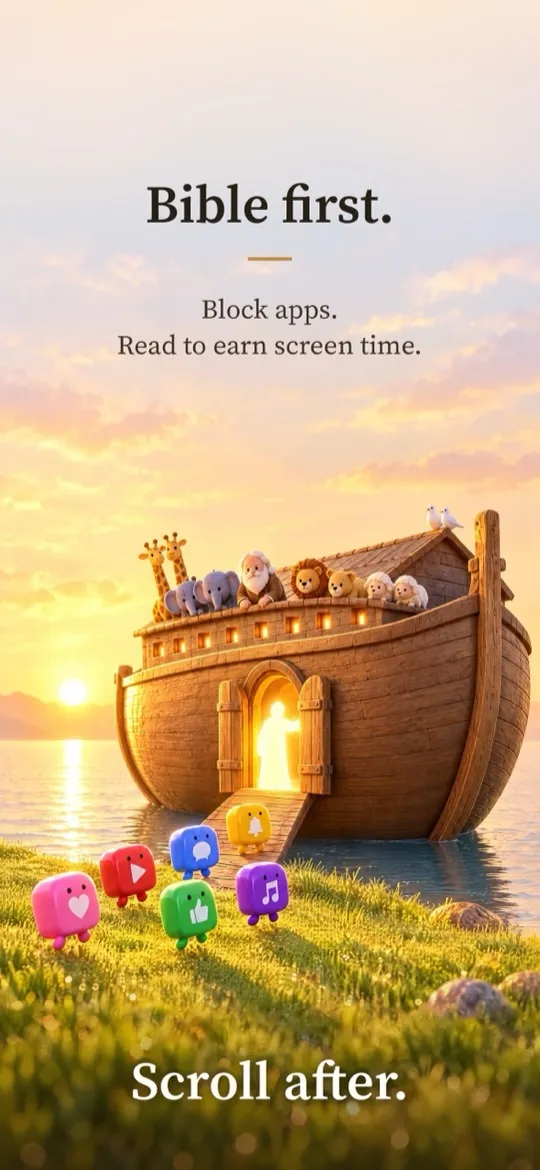
Bible first.
Scroll after.

Noah is a Bible app for iPhone and iPad. Read Scripture free, swipe through the Visual Reader, and build a daily habit. With Read or Create, Bible reading can also earn screen time in distracting apps.

Download on theApp Store Free to read on iPhone and iPad
A toy wooden ark with plush animals floating on calm water at sunrise, golden light glowing from its open door
God remembered Noah, and all the animals… and God made a wind to pass over the earth. Genesis 8:1
How it works

Turn your scroll habit into a Bible habit

With Read or Create, Noah uses Apple’s Screen Time to keep selected distracting apps closed until you’ve spent time in the Word.

  1. Pause the apps that pull you away

    Pick them with Apple’s Screen Time picker. They stay shielded until you’ve read. Your choices never leave your device.

  2. Open your Bible

    Read a chapter, follow a plan, scroll the Visual Reader, or listen to narration. Every qualifying minute counts.

  3. +15 min earned

    Earn your scroll

    Reading banks screen time you can spend later. Hit your weekly goal and your multiplier grows.

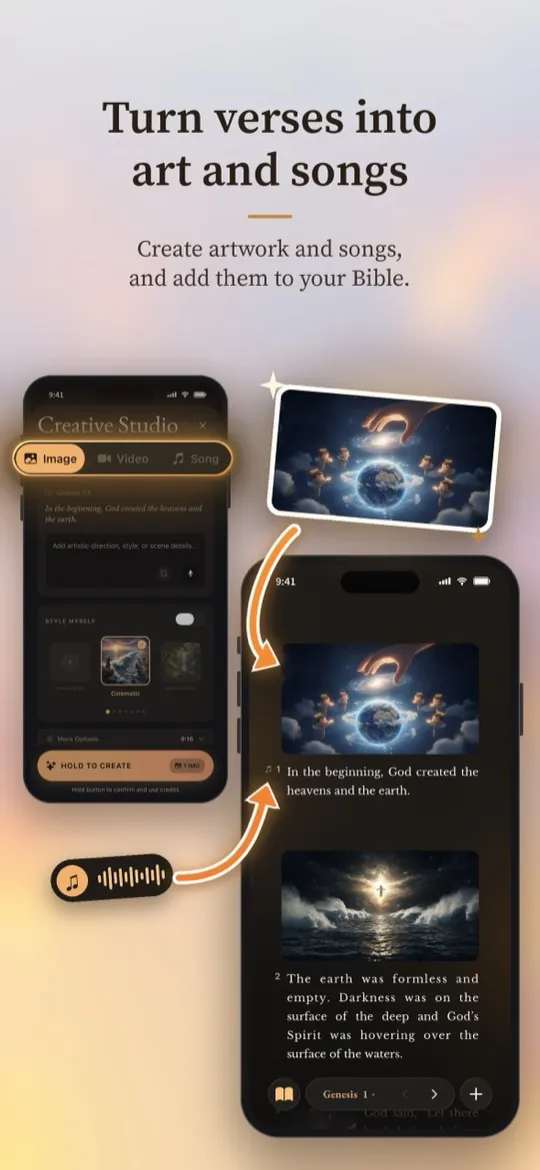
Turn verses into art and songs

Create artwork, short videos, and songs from any passage, then place them right beside the verse that inspired them.

  • Image styles from cinematic to storybook
  • Songs that follow along with you, verse by verse
  • A personal gallery that lives on your device

Listen to Scripture songs

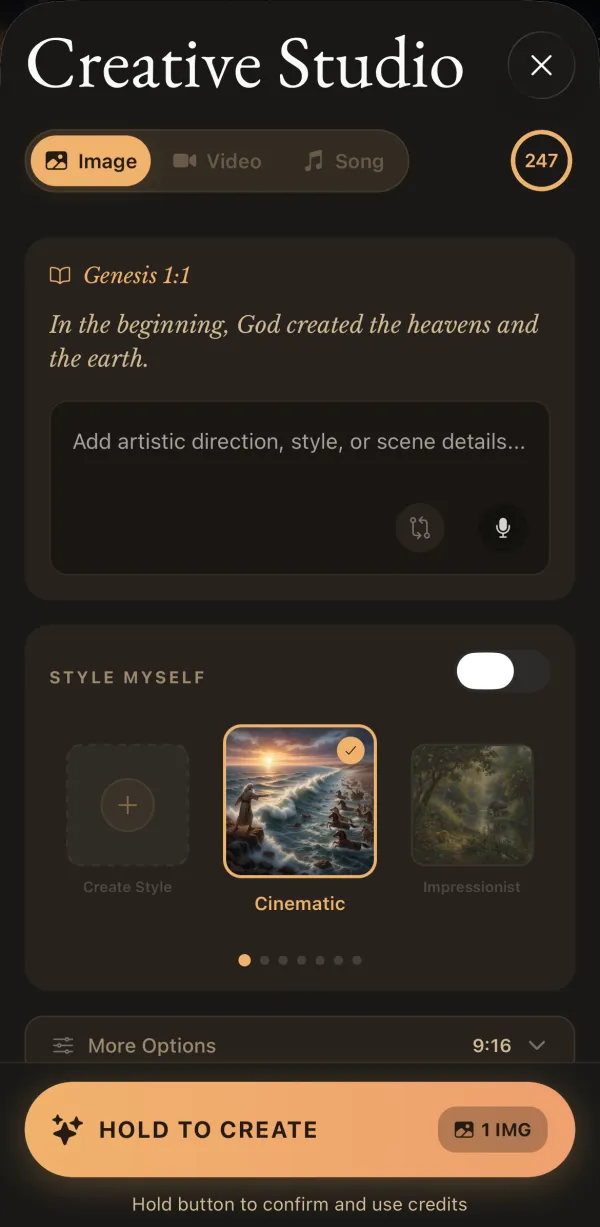
Creative Studio in Noah, creating an image for Genesis 1:1 in a cinematic style
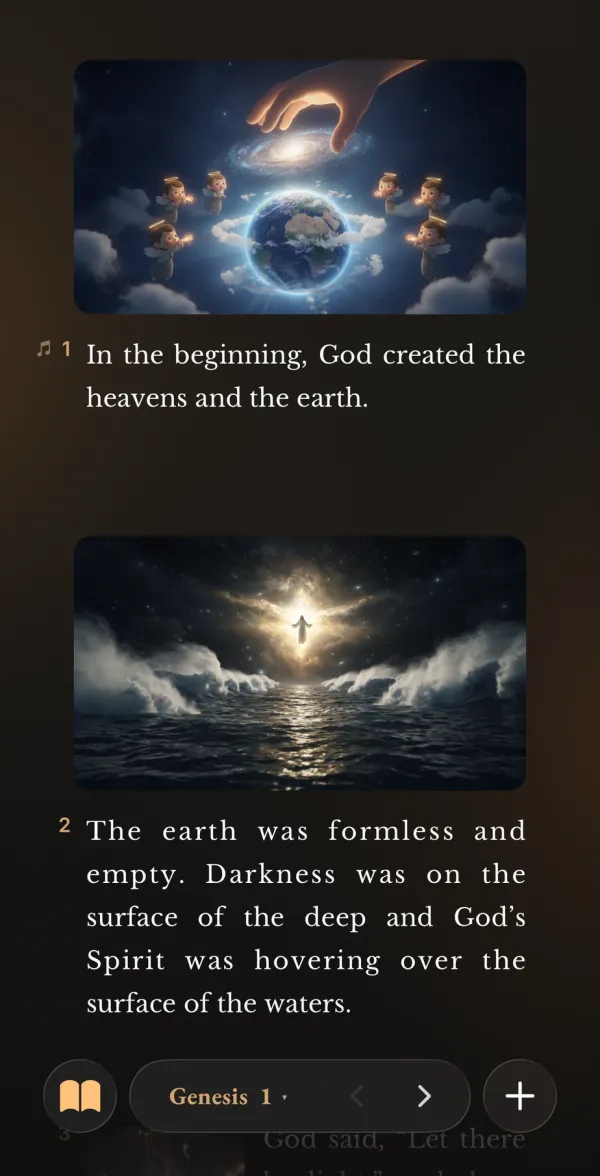
Genesis 1 in the Noah reader with generated artwork above each verse
Genesis 1 song

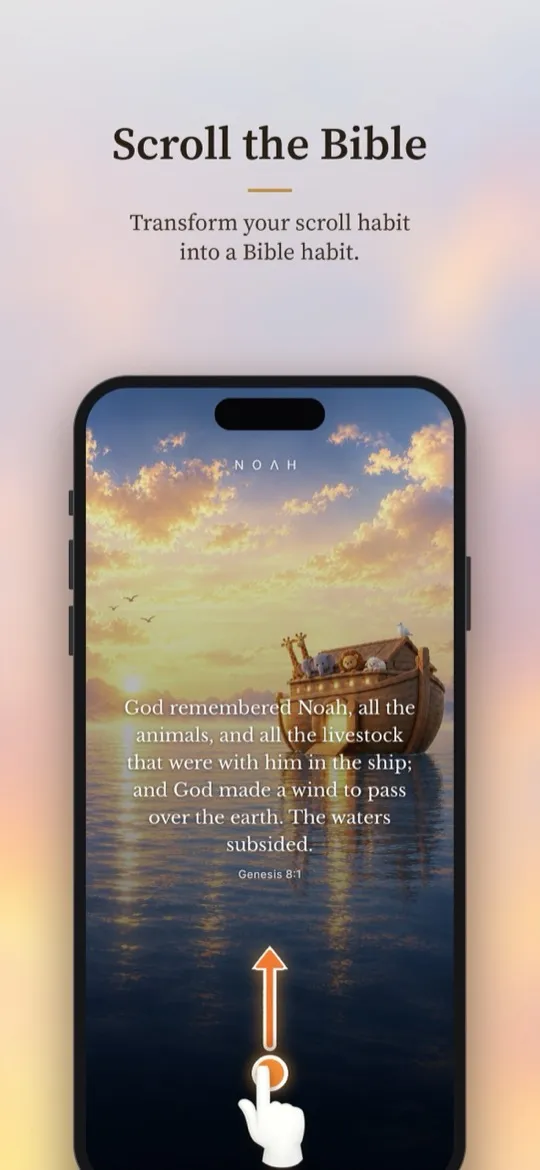
Scroll the Bible

The same thumb motion, a better feed. Swipe through Scripture one beautiful page at a time in the Visual Reader.

  • Full-screen verses over Toybox artwork
  • Switch between text and visual reading anytime
  • Picks up exactly where you left off
See how Bible scrolling works →
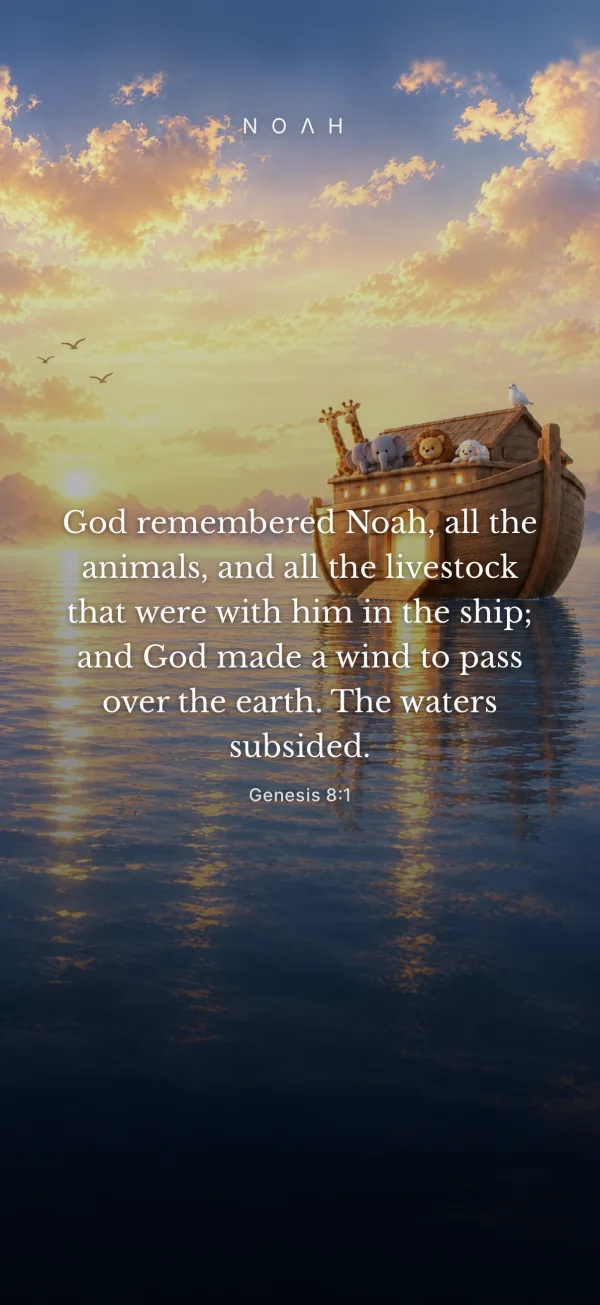
The Visual Reader showing Genesis 8:1 over a sunrise scene of the ark

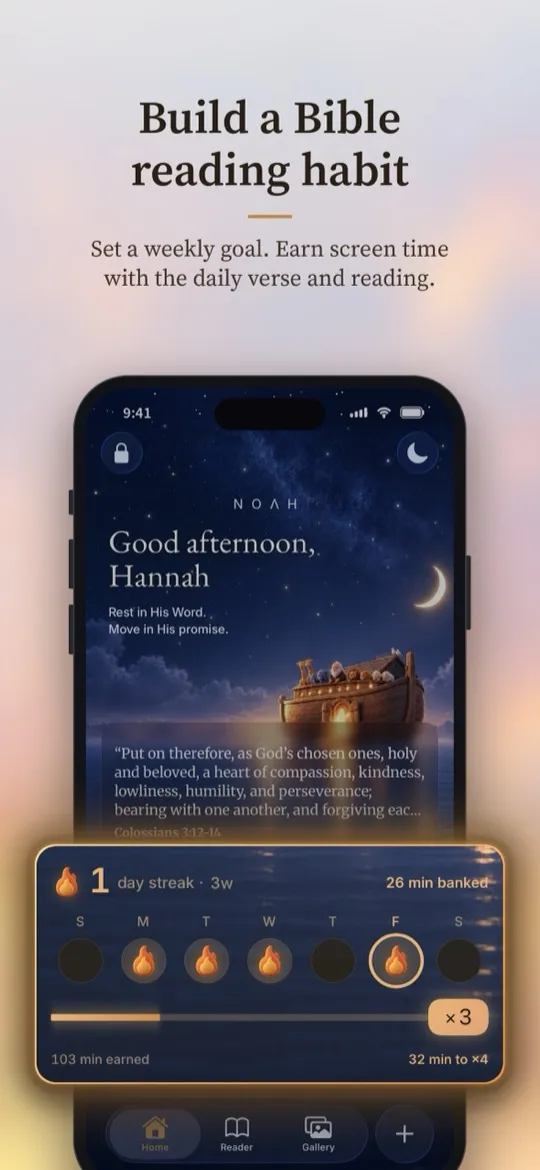
Build a Bible reading habit

Set a weekly goal. Keep your streak. Earn screen time with the daily verse and your reading.

  • Reading plans that remember your place
  • Recorded audio Bible and read-along narration
  • Streaks and multipliers that reward consistency
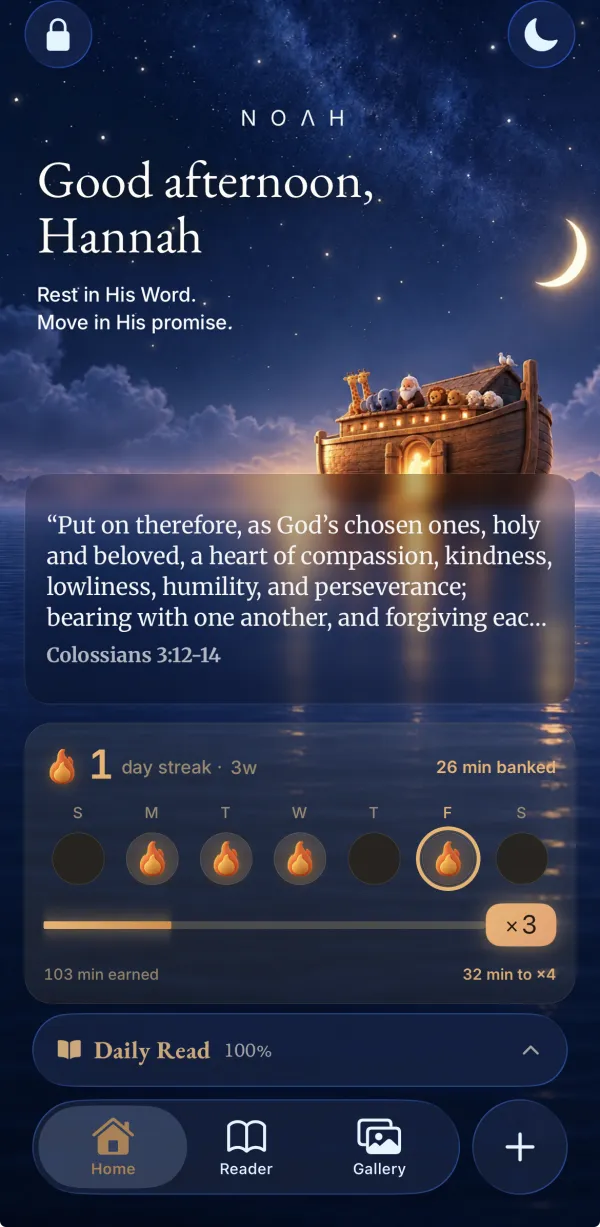
Noah’s Home screen at night with the daily verse, a reading streak, and minutes of screen time banked

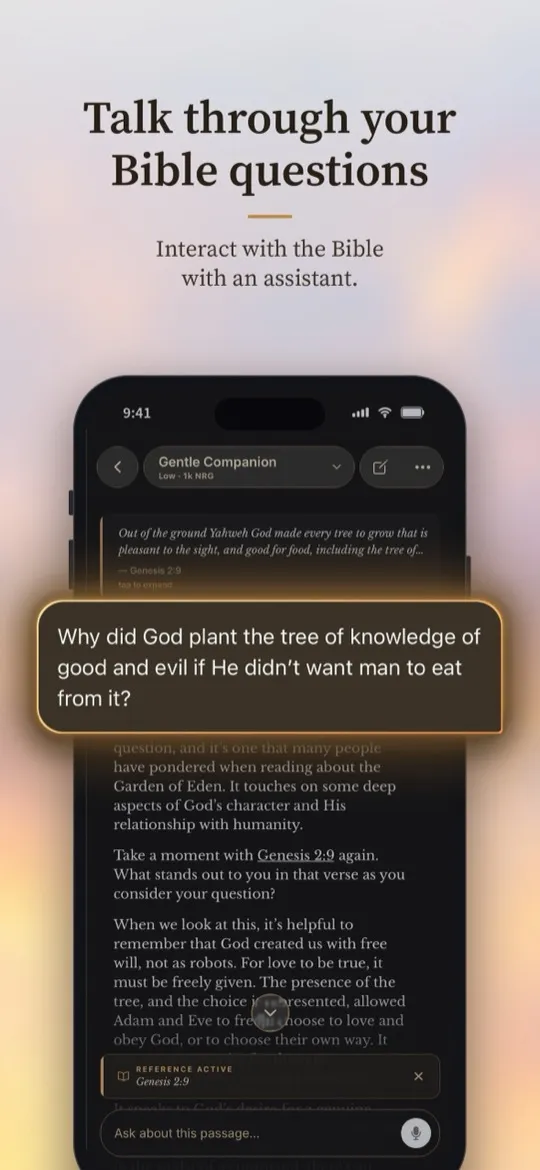
Talk through your Bible questions

Ask about the passage in front of you. Noah’s assistant keeps Scripture in view and points you back to the text.

  • Grounded in the verse you’re reading
  • Type or speak your question
  • Tap any reference to jump straight to it
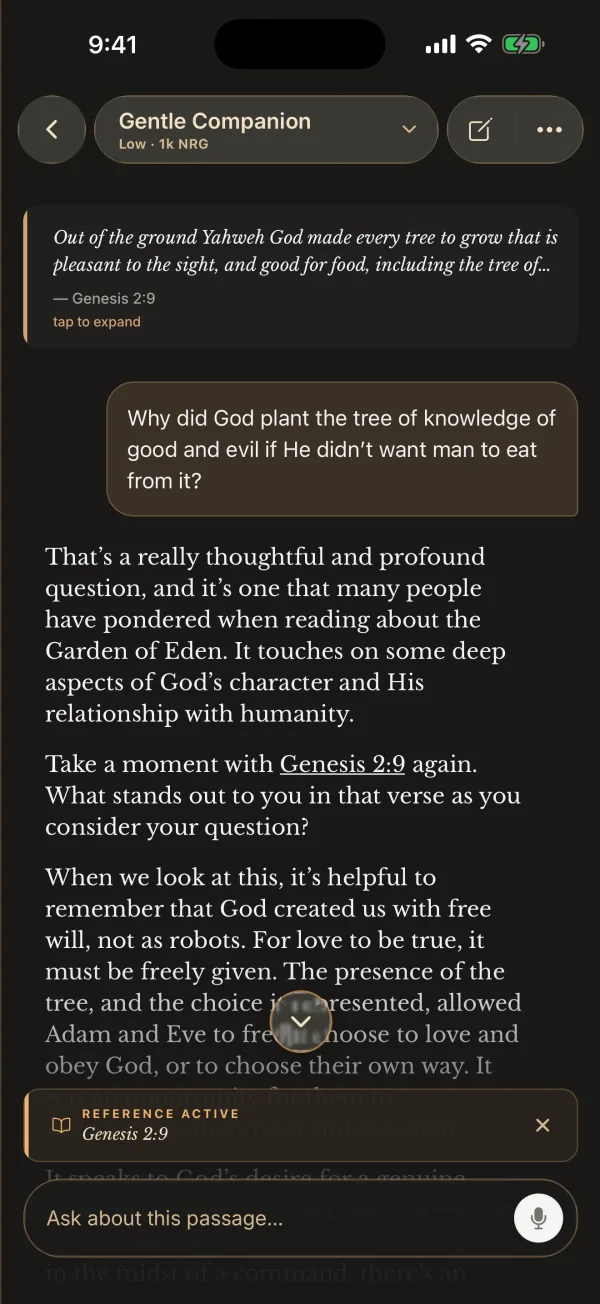
A conversation in Noah about Genesis 2:9 and the tree of the knowledge of good and evil

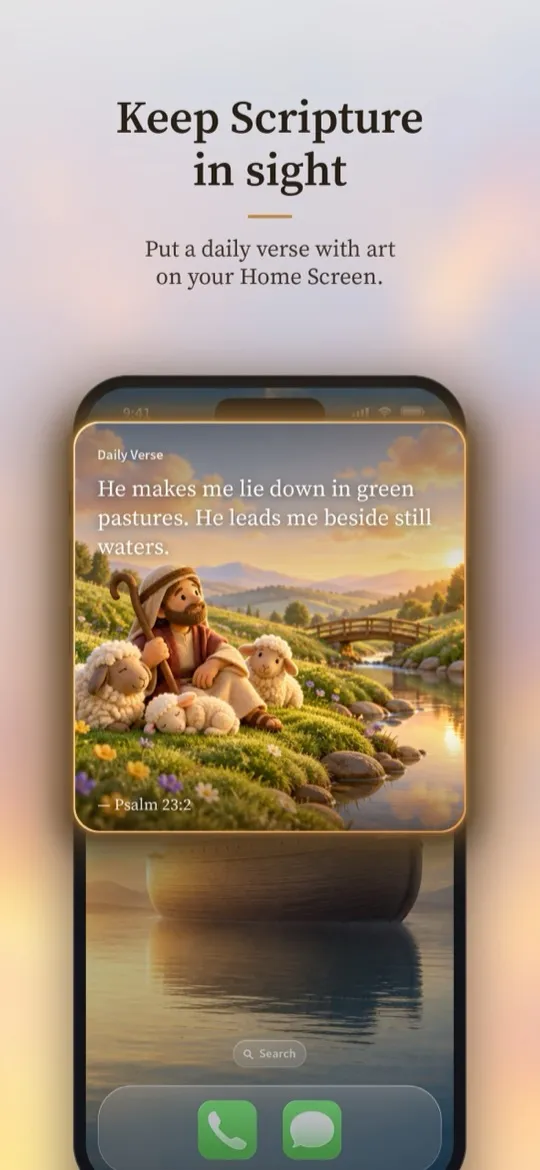
Keep Scripture in sight

Put a daily verse with art on your Home Screen, so the Word is the first thing you see when you pick up your phone.

A toy shepherd resting with plush lambs beside a still stream
Daily Verse

He makes me lie down in green pastures. He leads me beside still waters.

— Psalm 23:2
The Noah wordmark above a toy ark sailing toward the sunrise
Your word is a lamp to my feet,
and a light for my path. Psalm 119:105
A closer look
Plans

The Bible is always free

Start reading today. Upgrade when you want the habit tools, or the creative ones.

Free

Scripture, no strings

  • The whole Bible in 14 translations
  • Recorded audio Bible where available
  • Daily verse and Home Screen widget
  • Bible questions with the assistant
  • Buy credits to create art, video, and songs

Read

Build the habit

  • Earn screen time by reading
  • Reading plans and progress
  • Notes, highlights, and narration
  • Art and video placed in your Bible

Create

For makers

  • Everything in Read
  • Weekly credits for images, video, and songs
  • Focus sessions and journal
  • Import your own Bible (EPUB)

Subscriptions are billed through your Apple ID and renew automatically until cancelled. Current prices are shown in the app.

Questions

Questions about the Noah Bible app

What is the Noah Bible app?

Noah is a Bible reading and study app for iPhone and iPad. Read Scripture, listen to the audio Bible, ask questions about a passage, and create Bible art and songs. With Read or Create, you can block distracting apps and earn screen time by reading.

Can I scroll the Bible in Noah?

Yes. Noah’s Visual Reader lets you swipe vertically through full-screen Scripture pages in biblical order. You can switch back to text reading and continue where you left off. The Visual Reader layout is available on the free plan; artwork and other media features depend on your plan. Explore Bible scrolling.

Is Noah free to use?

Yes. Reading the whole Bible is free, along with the daily verse, Home Screen widget, Bible questions, and recorded audio where available. Read adds habit tools such as earned screen time and reading plans. Create includes Read and weekly creative credits. You can also buy credits on any plan. See what each plan includes.

How does app blocking work?

Noah uses Apple’s Screen Time framework. You choose the apps to pause with Apple’s own picker, and iOS shields them until you’ve earned time by reading.

Apple hands Noah anonymous tokens rather than app names, and your selection and earned-time balance are stored only on your device.

Which Bible translations are included?

Noah includes 14 public-domain translations in 13 languages, including the World English Bible, King James Version, American Standard Version, Reina-Valera 1909, Louis Segond 1910, Lutherbibel 1912, and the Chinese Union Version.

Is the assistant a replacement for my pastor?

No. The assistant is a study companion. It keeps the passage in view, links its references so you can check them, and always points you back to Scripture. Talk with your church about matters of faith and doctrine.

Do you sell my data or show ads?

No. Noah has no ads, we don’t sell your personal information, and we don’t use your content to train AI models. Your notes, highlights, and creations are yours. Read the Privacy Policy for details.

Is Noah good for families?

Yes. Kid mode, protected by a parent PIN, keeps the experience family-friendly, and creative tools include content safety filters.

How do I cancel or delete my account?

Manage or cancel your subscription anytime in your iPhone’s Settings under your Apple ID → Subscriptions. You can permanently delete your account and its data from Settings inside Noah.

NOΛH

Rest in His Word.
Move in His promise.

Put the Bible first tonight. Your feed will still be there.

Download on theApp Store